Step 2-1: Select the Type of Digital Certificate
-
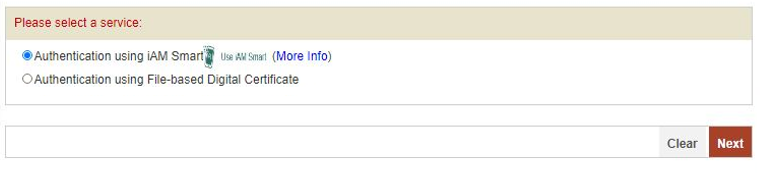
1. Please select "Authentication using iAM Smart".
Press <Next> button to go to the next step to fill in your identification information by iAM Smart.
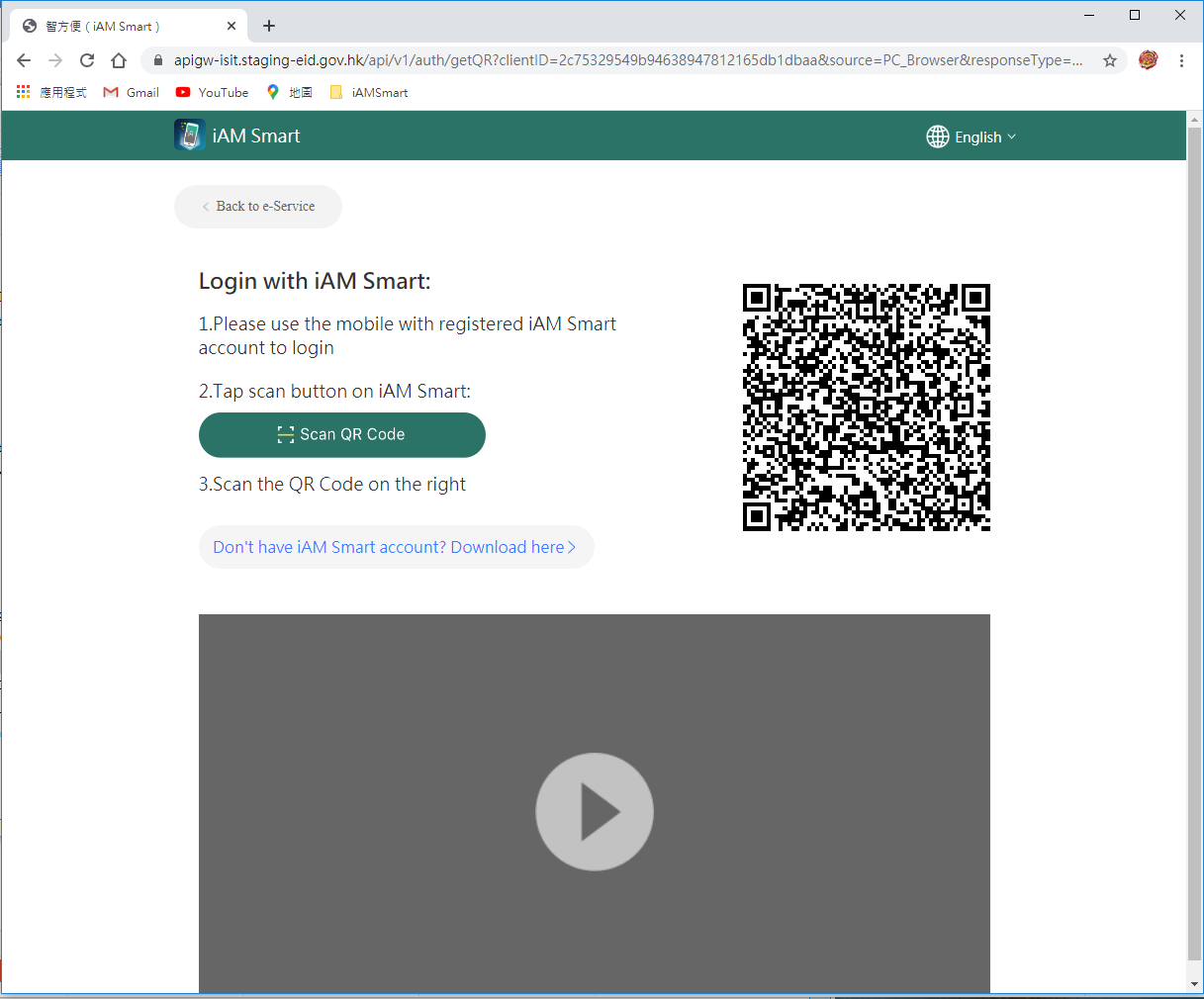
Login with "iAM Smart"
-
Web page screen shows the QR Code.
Open “iAM Smart” app in your mobile device.
Tap “Scan QR Code” button on iAM Smart app to scan the QR Code.
Authorise iAM Smart to provide personal information:
-
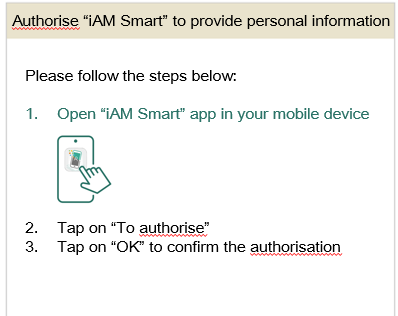
Web page shows instruction to authorise “iAM Smart” to provide personal information.
Open “iAM Smart” app in your mobile device.
Tap on “To authorise”.
Tap on “OK” to confirm the authorisation.