Step 1: Enquire about a PVRM
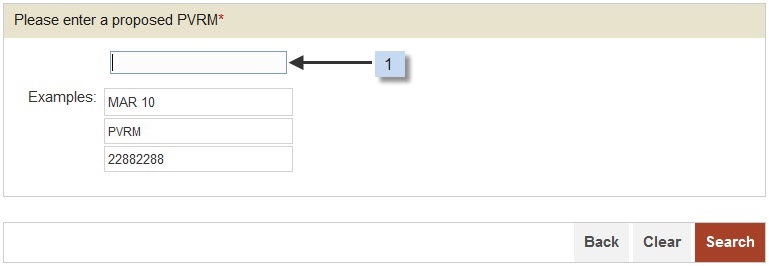
Input your proposed PVRM. Some examples are displayed
on the screen for your reference.
On the right bottom of the screen, you can:
Press <Back> button to go back to the previous screen; or
Press <Clear> button to clear and re-input the data; or
Press <Search> button to start the checking.
After pressing the <Search> button, the system will
check whether the mark meets the basic combination requirements.
If there is any error on your inputted mark, error message(s) will
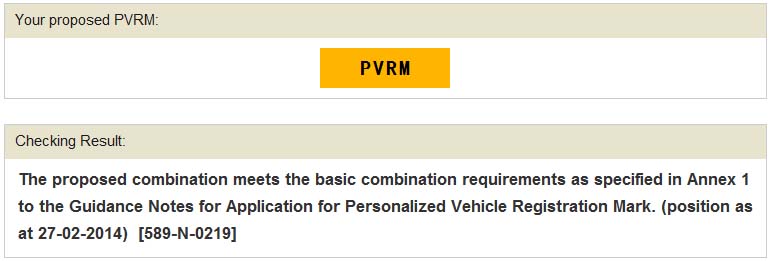
be displayed on the same screen. Otherwise, the checking
result will be shown on the next screen (see below).
|