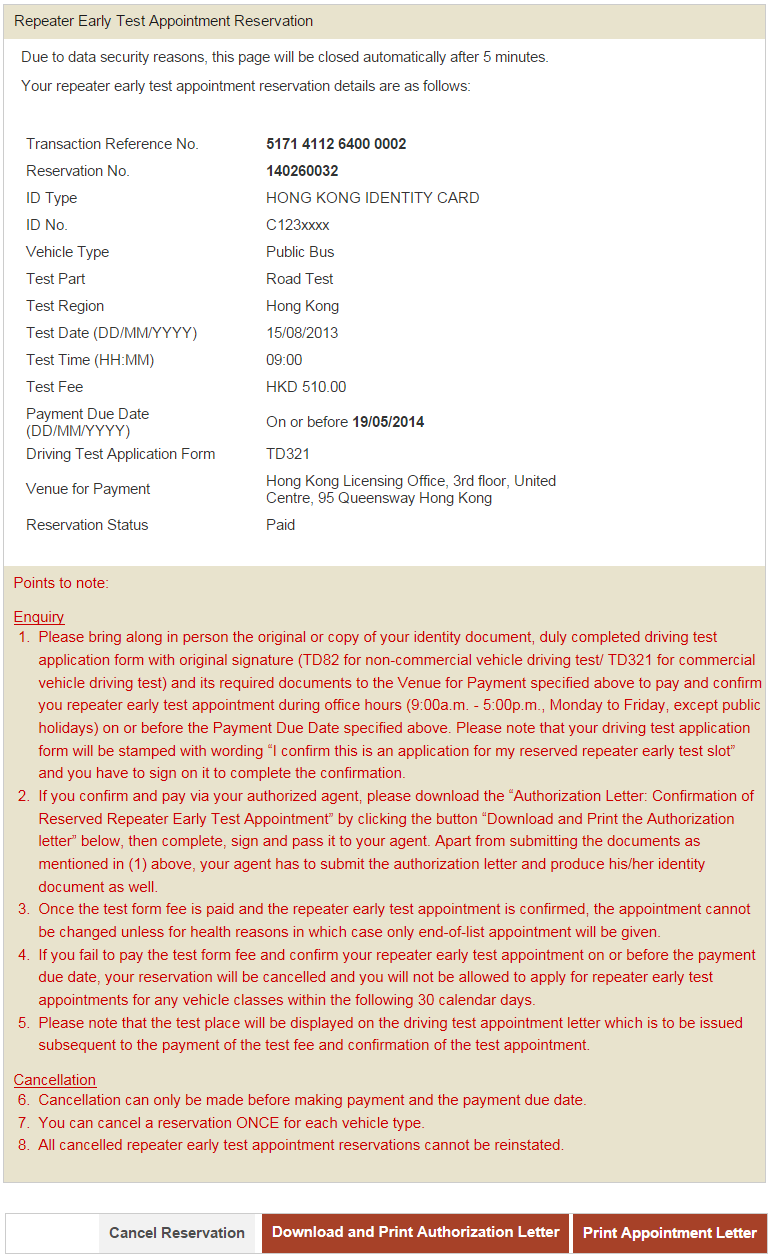
Step 2: View Reservation Details
If reservation record is found, the reservation details will be displayed
- Click "Pay Now" to to proceed to online payment. or
- Click "Cancel Reservation" to cancel the reservation. or
- Click "Download and Print Authorization Letter" to get the Authorization Letter: Confirmation of Reserved Repeater Early Test. or
- Click "Print Appointment Letter" to print the appointment letter. or
- Click the "Exit" button to close the application